Create a data set
You can create a new data set based on a CSV file that contains your process data to analyze.
The file must contain the required event log data with the corresponding activity data. The CSV file must include the case ID, the activity, and the timestamp. Based on this data, ARIS Process Mining can recreate your processes.
Select your project from the list in the Project panel. The recently opened project is preselected in the panel by default.
Click the header of the Project panel. A list of available projects is displayed.
Select a project from the list.
Click
 Create data set and enter a name for your data set, for example, myProject_data.
You can optionally add a data set description and a data set owner to provide additional information about the data set. The specified data set information is displayed as a tooltip when you move the mouse pointer over a data set name, for example.
Click Describe data set. Additional options are displayed.
Enter a description in the relevant input field.
Enter a valid user name in the Owner input field.
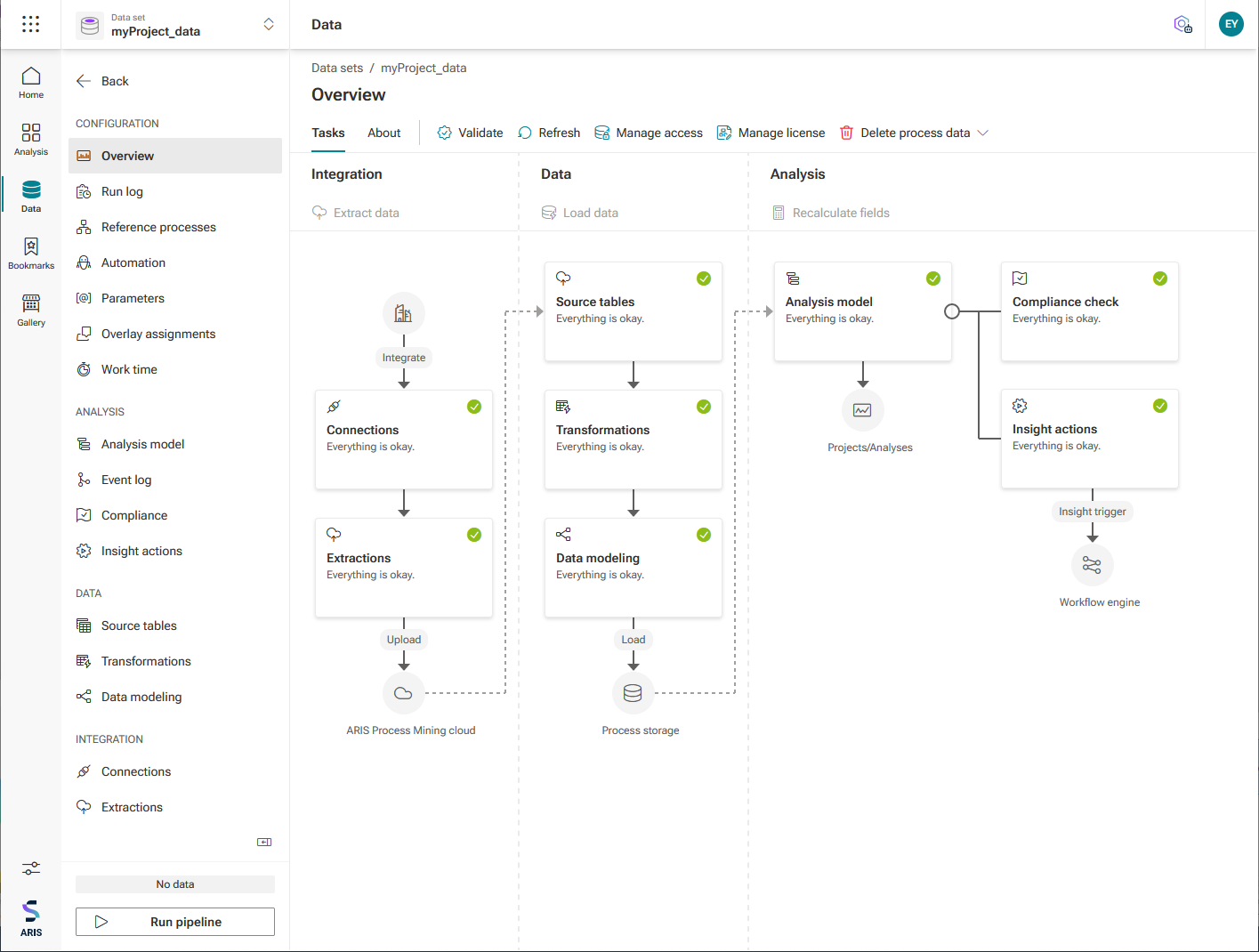
Click Create. The data set is created and the Overview page of the new data set opens in the Data collection section. You can manage your data sets in the Data collection section.
Example