Create an analysis
You can create multiple analyses for each project. This allows you to examine different aspects of your process data.
Click the
 Navigation menu icon in the program header.
Select Projects. The Project panel opens.
Select a project from the list in the Project panel. The recently opened project is preselected in the panel by default.
Click the header of the Project panel. A list of available projects is displayed.
Select a project from the list.
Click Create analysis and enter a name for your analysis, for example, my analysis.
Click OK.
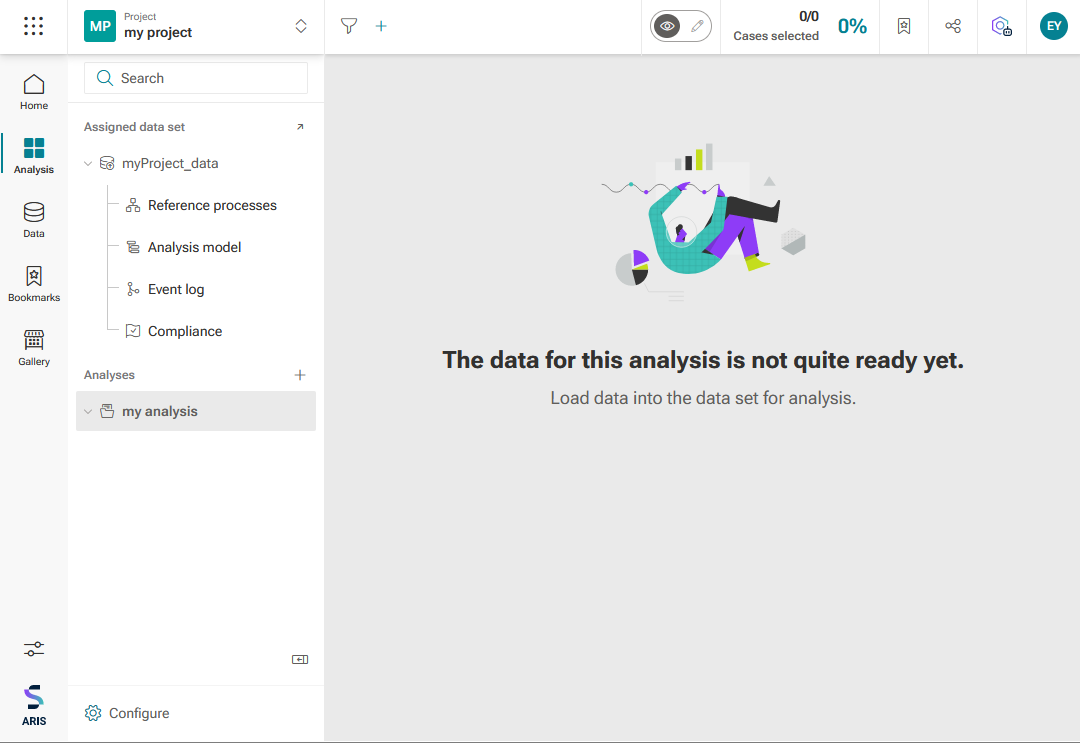
The analysis is created and available in your project. The analysis is listed under Analyses in the Project panel.
Now you can add apps to the analysis to get started.
The created analysis is available in the Project panel.