View ARIS Process Mining analysis in ARIS
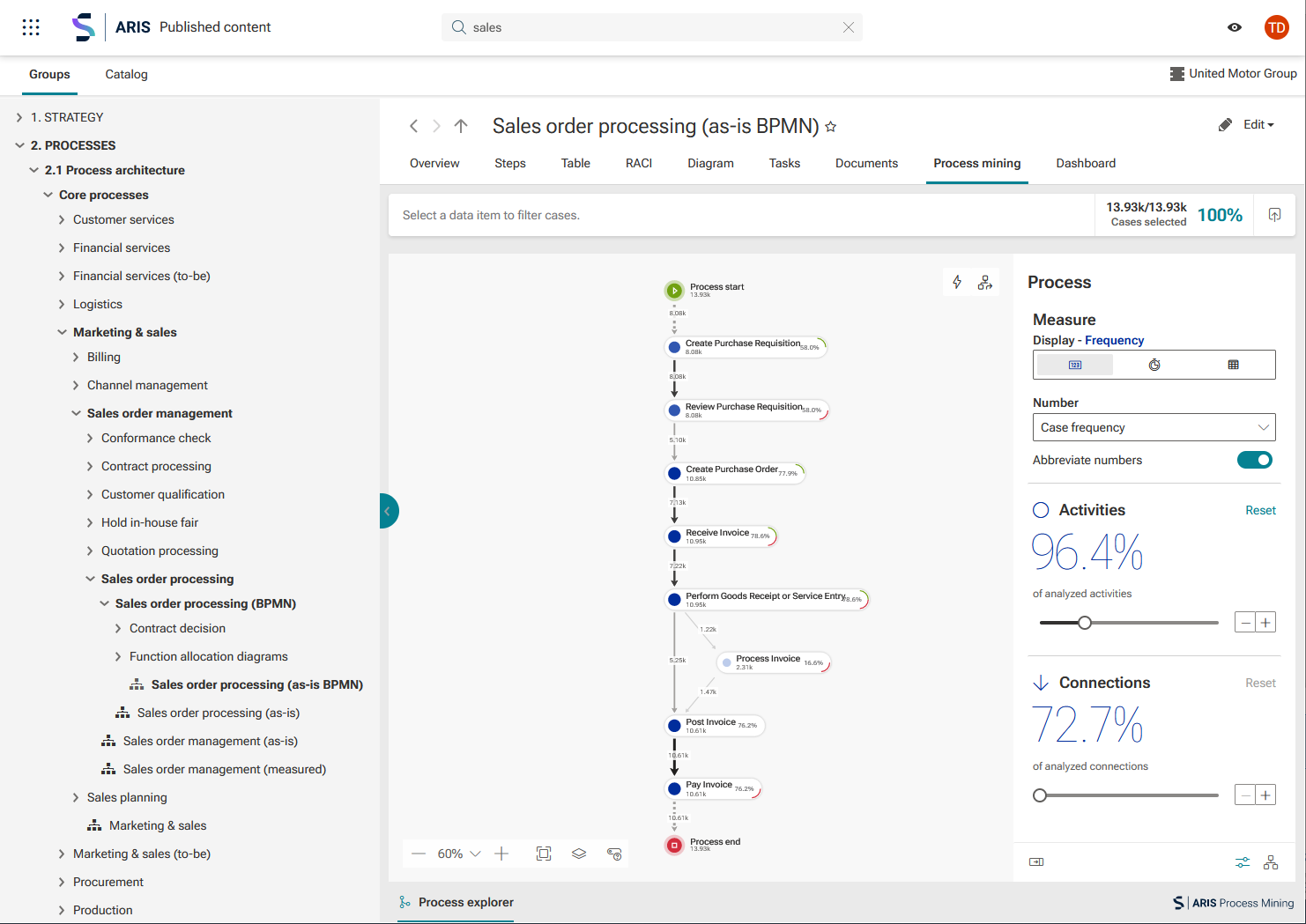
You can view and use ARIS Process Mining analyses in ARIS, for example, for certain processes. In ARIS, you can use fact sheets to display the contents of so-called items. Items can be, for example, different object or model types, documents, or processes. In case of a process item, contents can be, for example, general process information or the process diagram. Each item contains a number of sheets, some of which are displayed by default. For the process item, the Overview, Chart, or Documents sheets are available by default. In addition, you can display further sheets, such as the Process mining sheet. On the Process mining sheet, you can display a selected analysis created in ARIS Process Mining.
You use modification sets to configure how data is displayed in ARIS, among other things, the fact sheets and content you want to display for specific items. In this case, you select an analysis that you created in ARIS Process Mining as content and add it to the Process mining sheet of the process item. Then select the process for which you want to view the analysis.
For more details, please refer to the chapter View ARIS Process Mining analyses for various items in the ARIS online help.
The example shows an ARIS Process Mining analysis on the Process mining sheet of the Sales order processing (as-is BPMN) process in ARIS.