Display a transformation preview
You can display a preview of the data transformation. The preview is displayed below the transformation statement in a separate window. By default, the preview is limited to 100 rows and includes all specified columns in the transformation. If required, you can reduce the number of columns to be calculated for the preview.
Open or create a transformation statement.
Click
 Preview to display a preview including all columns of the selected tables.
Example
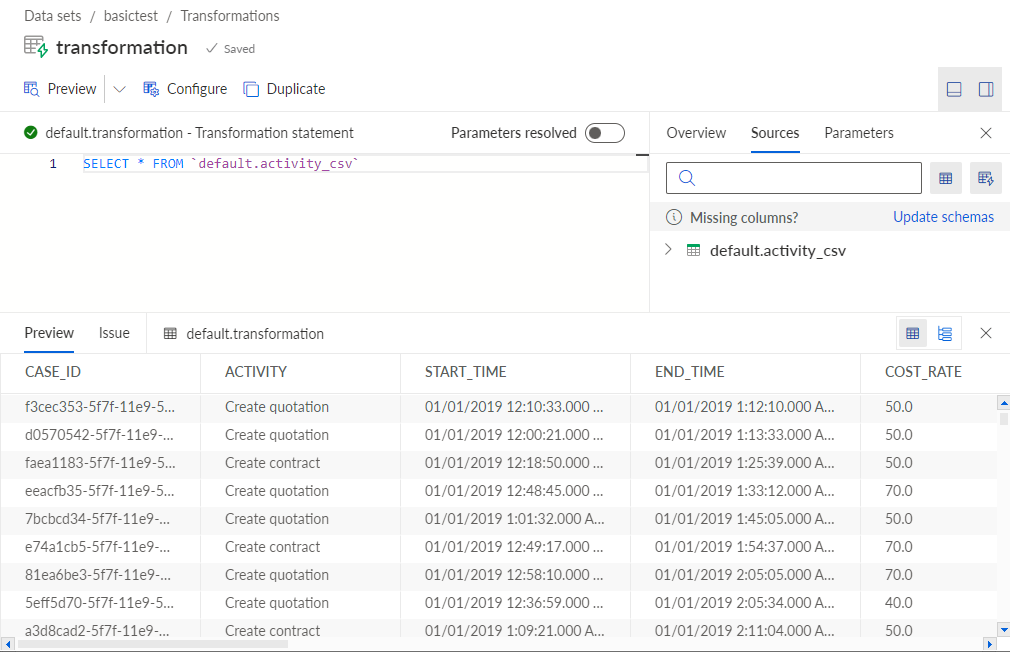
Preview of all columns included in the specified default.activity_csv table.
To reduce the number of columns, click the
 icon next to the Preview button > With selected result columns. The corresponding dialog opens.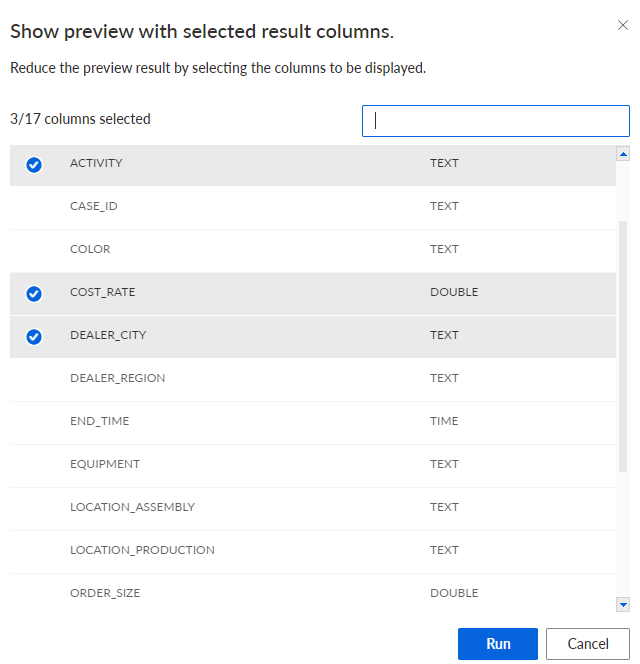
Select the columns for the preview.
Click Run.
A preview of the data transformation is displayed.
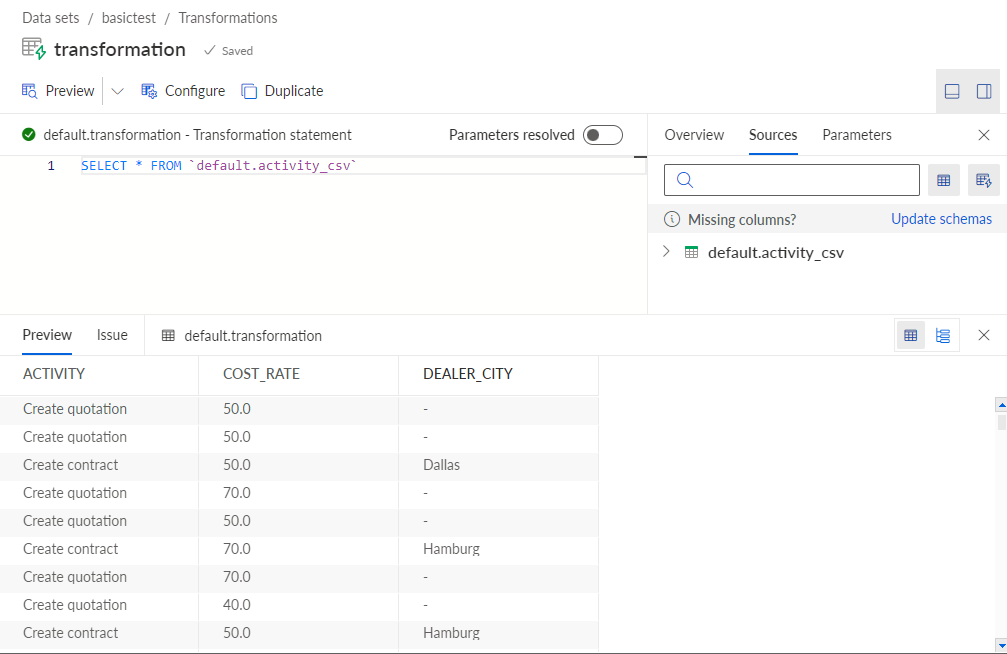
Preview with the reduced number of columns of the specified default.activity_csv table.