Transfer process variants to ARIS
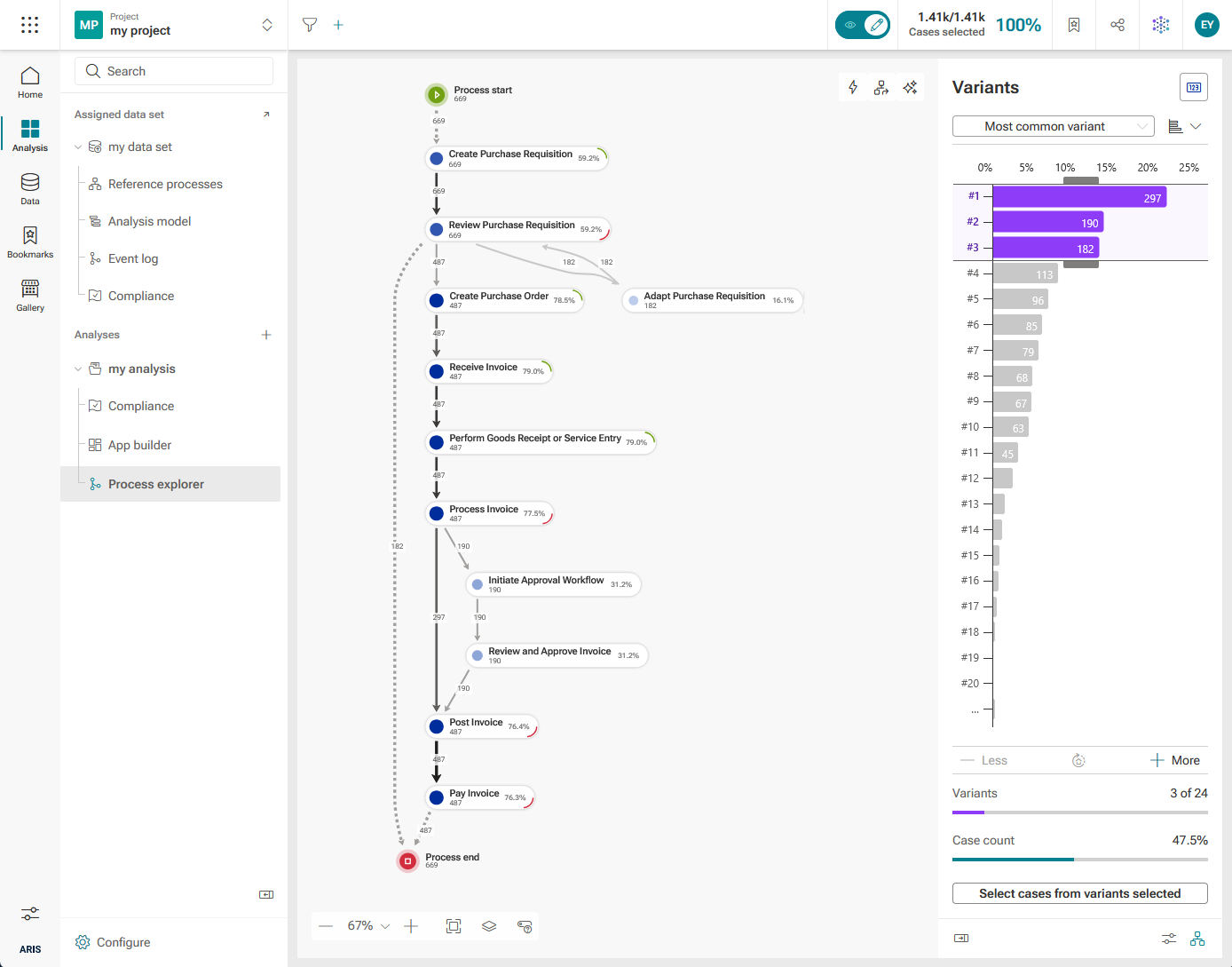
You can transfer process variants from ARIS Process Mining to ARIS. In the Process explorer app, you can configure the process data that you want to transfer to ARIS. For example, you can select the process variants to be analyzed and reduce the number of processes by specifying filters. Based on the transferred process data, ARIS creates a BPMN model that you can edit and further analyze in ARIS.
Prerequisites
You have integrated ARIS Process Mining and ARIS for transferring process variants.
You have access privileges to the ARIS database where you want to store the transferred model.
Open the Process explorer app.
Make your settings.
Click ... > Transfer as model to ARIS repository in the Variants panel .
The Transfer model wizard opens with the How it works dialog. The dialog shows some information about the transfer of process data to ARIS.
Click Next. The Bookmark dialog opens.
You can save your current selection and selected variants as your personal favorite. The option is enabled by default. If you do not want to create a bookmark, disable the Bookmark option. In the Name field, you can edit the bookmark name and the directory where the bookmark is stored. The bookmark name is preset in the following form.
<project name>/<data set name>/<analysis name>/<date>/Model export
Example
my_project/my_data set/my_analysis/2021-09-07/Model export
Click Next. The Transfer dialog opens.
If you are already logged in to ARIS, a note is displayed that the model transfer is done.
If you are not logged in to ARIS, the Log in dialog of ARIS opens. Enter a ARIS user name and password. You can configure ARIS Process Mining and ARIS to use ARIS Process Mining credentials to log in to ARIS.
Click Store model. The Store model wizard of ARIS opens.
You can change the preset model name. The model name is preset in the following form.
<project name>/<data set name>/<analysis name>/<date>/Model export
Click
 Select group to select the group in witch to store the model.
Select the BPMN model type for your process model.
Click Next.
Enable Edit model to open the model in the editor or enable Jump to repository to open the selected group containing the model.
Click Close.
The process data is transfered to ARIS and stored in the ARIS repository. Based on the process data and your settings, a BPMN model is created.
You can now edit and analyze the BPMN model in ARIS.