Handling preview timeouts
In certain cases, when transformation statements are particularly complex or involve processing large volumes of data, previews may encounter timeouts. In such situations, ARIS Process Mining typically recommends reducing the number of result columns selected, as this can effectively lower processing overhead and help prevent timeouts.
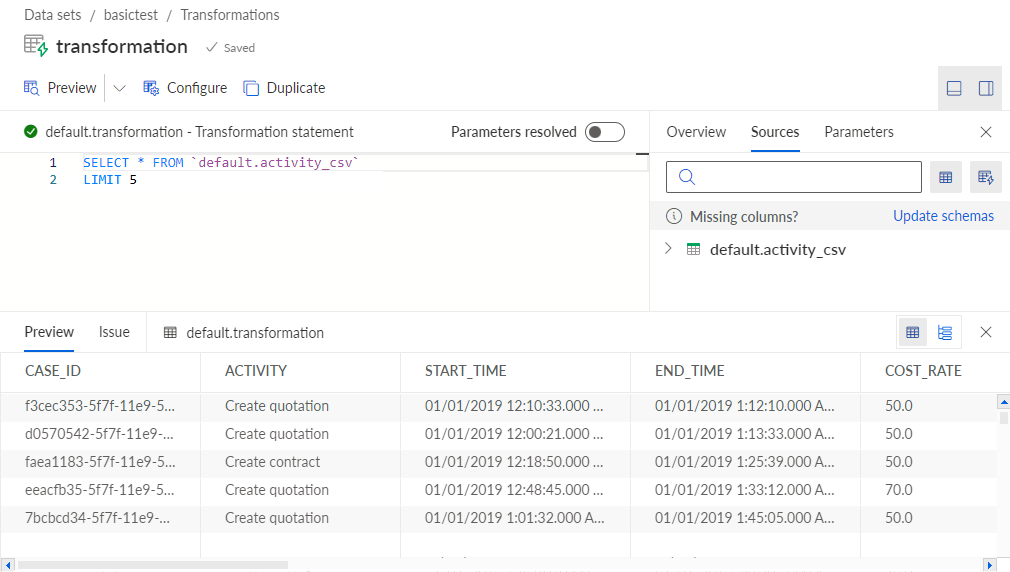
If reducing the columns does not resolve the issue, another effective approach is to add a custom limit to the SQL query itself using the LIMIT clause. Implementing this limit early in the query can restrict the number of rows before the actual processing begins, thereby reducing the overall processing time.
Example 183.
Preview with the limited number of rows of the specified default.activity_csv table.